
Capture qualified requests
Turn “How much would this cost?” into a clear request with products, options and quantities.
THE QUOTE WORKFLOW FOR WIX STORES
Let customers request custom prices, create professional quotes, negotiate terms, and turn accepted offers into Wix orders — all from one workflow.
MAKE EVERY CUSTOM ORDER EASIER
Standard checkout is great for standard orders. Give custom requirements, bulk pricing and made-to-order products a workflow of their own — inside your existing store.
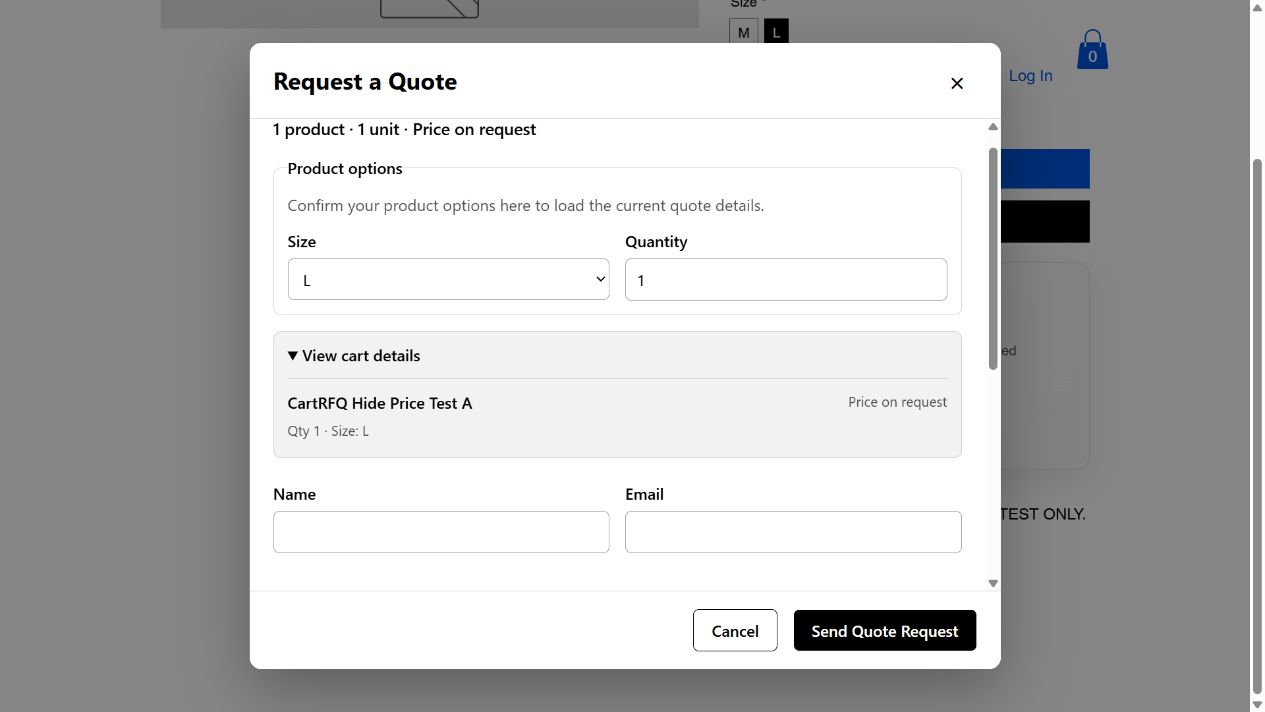
Turn “How much would this cost?” into a clear request with products, options and quantities.
Set individual prices, discounts and terms without rebuilding the customer’s request.
Review the request, quote versions and recorded decisions in one place.
Keep normal shopping available while selected products follow a quote-only path.
Offer eligible customers a Wix payment path after acceptance, with the required plan and configuration.
ONE CONNECTED JOURNEY
A clear next step for your customer. A connected record for your team.
Step 1 of 6 · Customer request
Capture products, required options and quantities from the Product Page or the existing Wix cart. The request gives your team a useful starting point.
Product details stay with the request.
Step 2 of 6 · Create quote
Review the request and prepare prices, quantities, discounts, validity and terms in Quote Builder. Check the customer-facing preview before sending.
Your terms. One professional offer.
Step 3 of 6 · Negotiate
Discuss requirements and prepare a revised offer when needed. Quote versions and history help your team follow what was offered and decided.
Changes stay connected to the quote.
Step 4 of 6 · Accept
Customers review the offer through their private portal link and accept the agreed version. Acceptance records agreement; it is separate from payment.
A recorded decision, not an assumed payment.
Step 5 of 6 · Pay
After acceptance, eligible plans and a configured Wix payment setup can provide an online payment link. Otherwise, the merchant arranges the next steps.
Availability depends on plan and setup.
Step 6 of 6 · Manage order
Use the supported Wix order and payment flow to continue fulfillment. Keep the accepted quote connected to the commercial process.
Payment and order states remain distinct.
Online payment requires an eligible CartRFQ plan and a correctly configured Wix payment setup. No real payments are collected by this presentation.
SEE IT IN YOUR STORE’S CONTEXT
Explore a real Wix Store. Request a quote, try product options, and see how custom pricing works.




Fictional demonstration products, illustrated with original renders. Catalog setup does not imply that CartRFQ integration is ready.
CUSTOM PRICING, CLEAR PRESENTATION
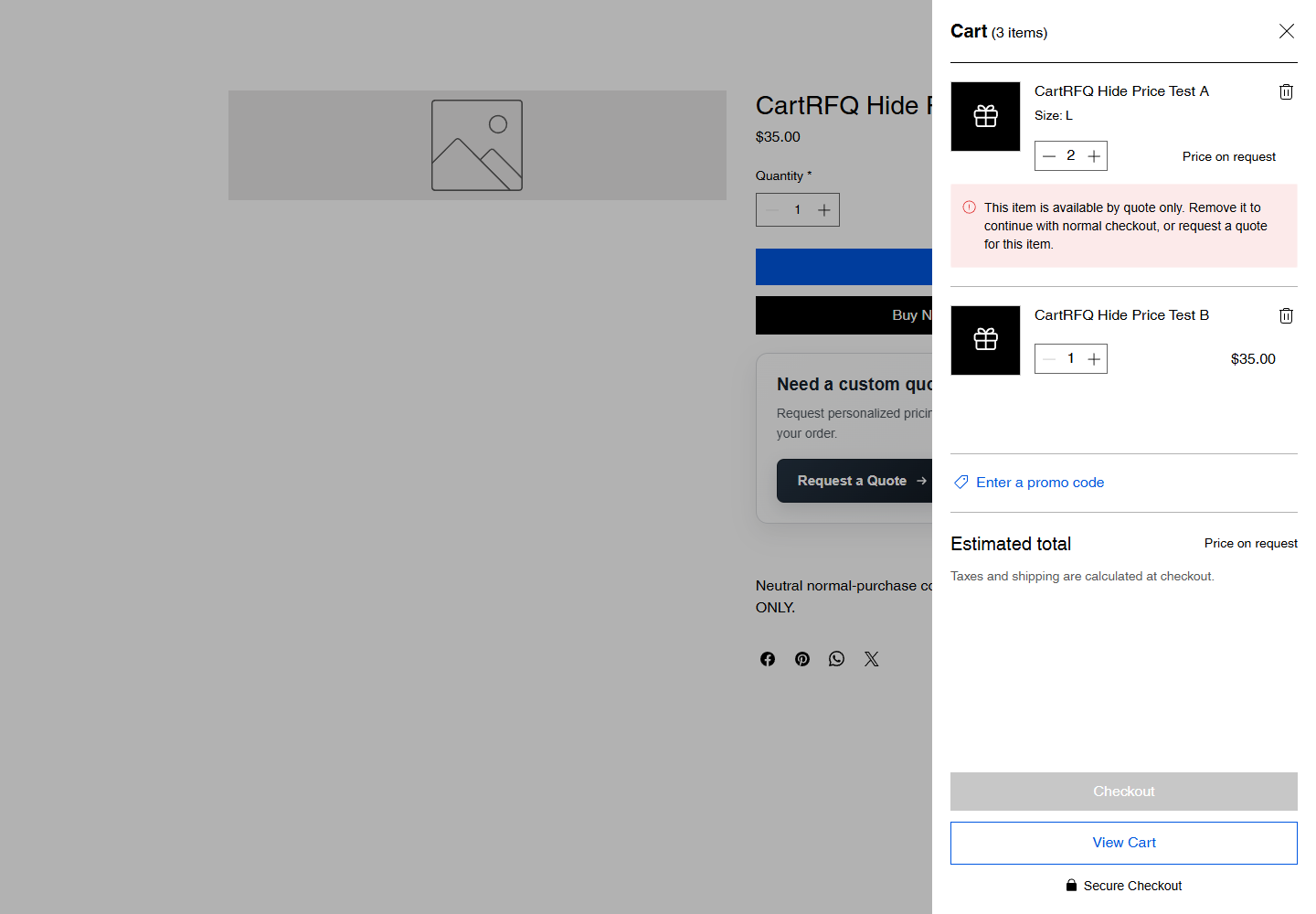
Keep quote-only products ready for a conversation. Hide their price on supported surfaces while ordinary products remain easy to shop.
Product and category overrides require Business. Feature availability depends on the installed release.
SEE THE ACTUAL PRODUCT
Clear forms. Connected requests. A workflow that stays in Wix.
Read the written guide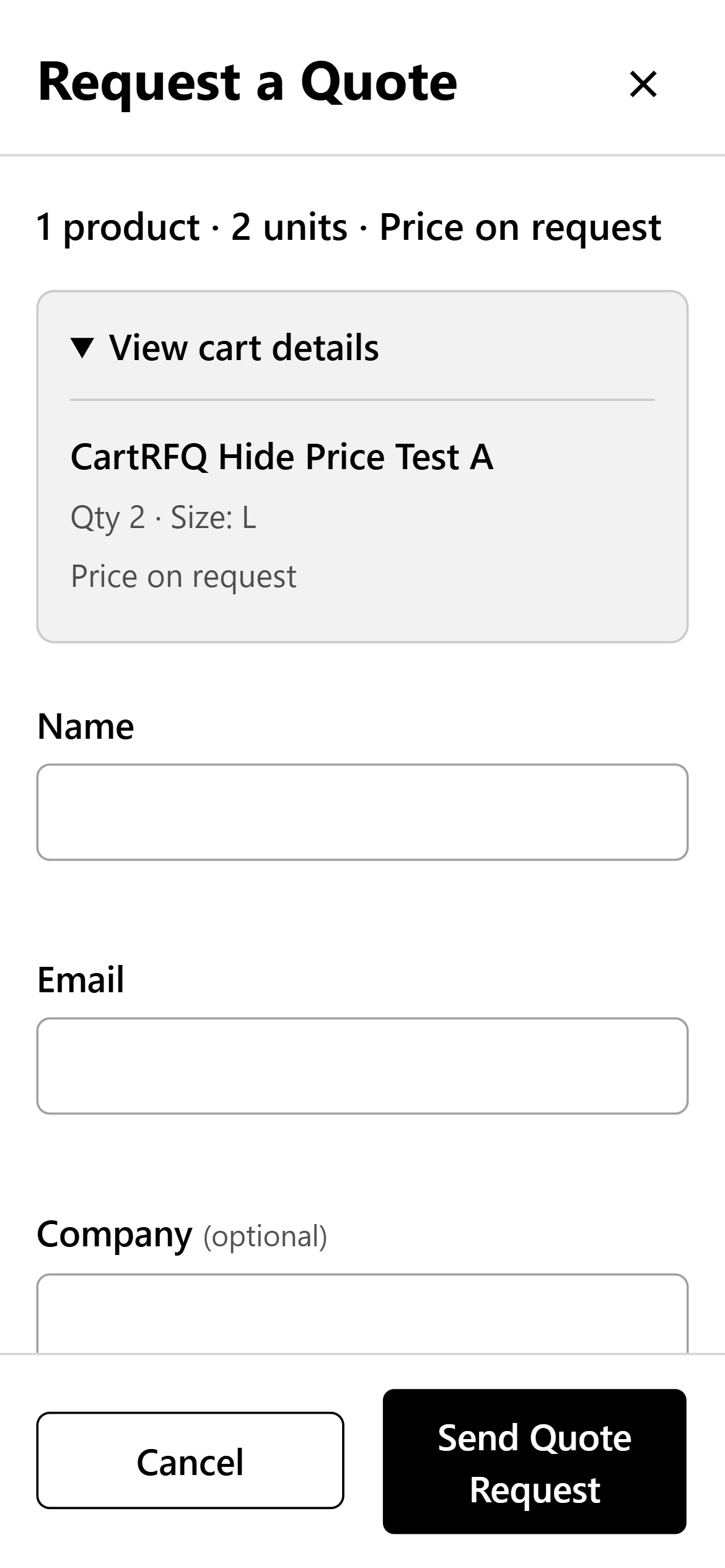
WATCH AND LEARN
Finished EN/PL videos with captions. Storefront and setup guidance; final business-flow acceptance remains separate.
Product overview
76 seconds of genuine storefront, options, quantities and responsive form footage. No order or payment is demonstrated.
Watch videoSetup tutorial
4:23 of written setup guidance and real storefront footage. This read-only tutorial does not perform installation or submit an RFQ.
Watch videoTroubleshooting
Practical checks for the product button, feature access, options and price visibility.
Watch videoNo. CartRFQ uses the existing Wix cart to collect a complete request. Customers do not need a separate quote basket.
Yes. Selling Rules separate normal purchasing from quote-only products. Product and category overrides require the Business plan.
Yes. The form includes product options and quantities. If Wix does not pass a complete selection after refresh, the customer can select the required options inside the same form.
No. Acceptance records agreement. Online payment is a separate step, subject to an eligible app plan and Wix payment configuration.
The documented Free plan includes 10 new RFQs and 3 sent quote versions per UTC calendar month. Check the current installed app and official Wix billing page for availability and prices.
Use the Help Center for setup and troubleshooting, or contact WebBay at contact@webbay.pl.
REQUEST A QUOTE BY WEBBAY
Build a more considered buying experience — from the first question to the next agreed step.
App Market installation will become available after publication.